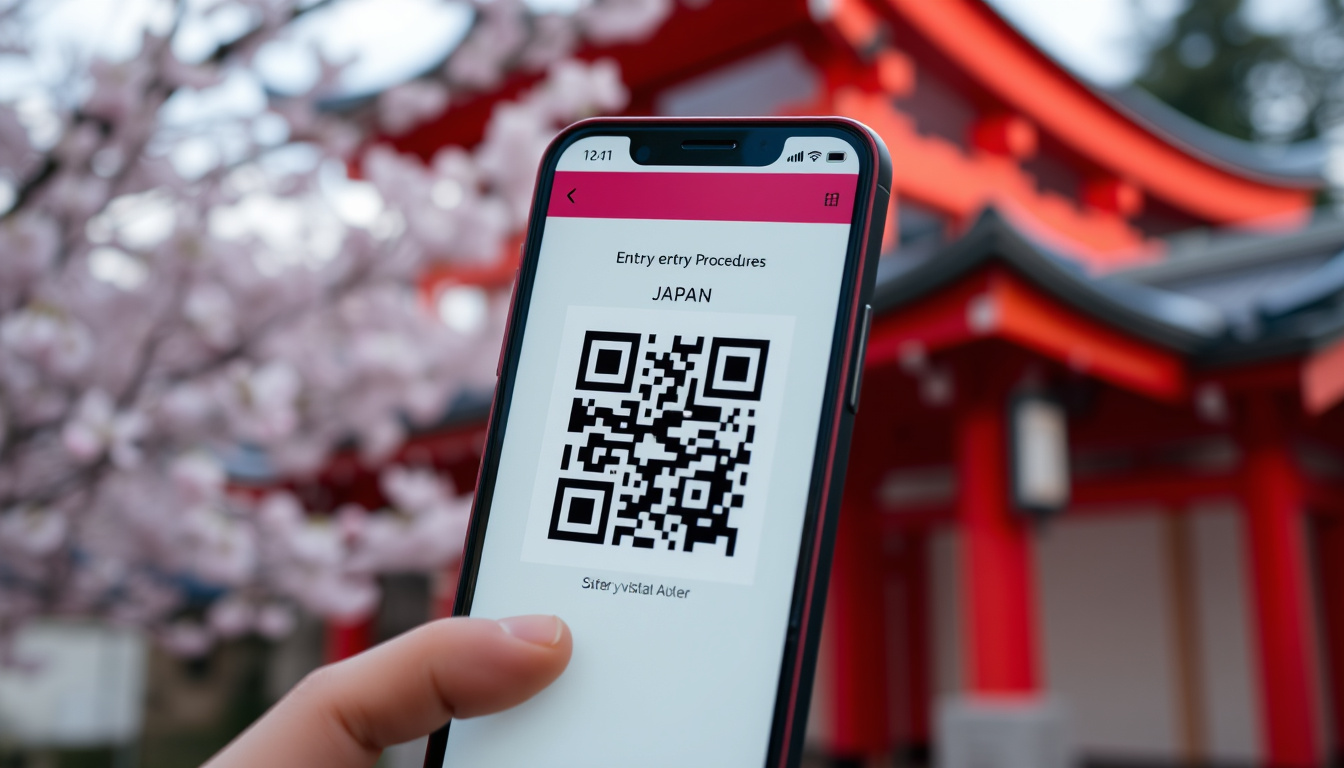
Touching down in Japan after a long flight is exciting, but the immigration line can test anyone’s patience. Visit Japan Web, a free online service from Japan’s Digital Agency, lets you pre-submit your entry details and skip the paper forms — this guide covers registration to QR code use so you know what to expect.
Official website: vjw.digital.go.jp ·
Service provider: Japan Digital Agency ·
Languages supported: English, Japanese, Chinese, Korean ·
Registration window: Up to 2 weeks before arrival ·
Cost: Free
Quick snapshot
- Online service for immigration and customs pre-arrival (Japan Digital Agency)
- Managed by the Japan Digital Agency (Japan Digital Agency)
- Free to use (Japan Digital Agency)
- Reduce airport processing time (InsideKyoto)
- No need to fill out paper forms (InsideKyoto)
- QR code for easy scanning (Japan Digital Agency Guide)
- Valid passport (Japan Digital Agency Guide)
- Flight and accommodation details (Japan Digital Agency Guide)
- Internet access (mobile or computer) (Japan Digital Agency)
- Create an account on vjw.digital.go.jp (Japan Digital Agency Guide)
- Enter travel and personal info (Japan Digital Agency Guide)
- Generate and save QR code (Japan Digital Agency Guide)
- Present at immigration and customs (Japan Digital Agency Guide)
Several key facts about the service, at a glance:
| Fact | Value |
|---|---|
| Launch date | 2020 (during COVID-19 border measures) (Japan Digital Agency) |
| Official URL | vjw.digital.go.jp (Japan Digital Agency) |
| Supported devices | Smartphones, tablets, computers (Japan Digital Agency) |
| Required internet | Yes, for registration; QR code works offline (Global Trip Diaries) |
| Family registration | Yes – one account can cover multiple travelers (YouTube tutorial) |
| QR codes generated | One combined QR for immigration and customs (post‑2024) (Global Trip Diaries) |
| Tax‑free code | Available after passport scan (Japan Digital Agency Guide) |
| Registration window | Up to 2 weeks before arrival (Japan Digital Agency) |
Is Visit Japan Web still necessary?
Official stance on mandatory use
According to InsideKyoto (Japan travel guide), “The Japanese government suggests that you use it but you DO NOT HAVE TO.” Paper arrival cards and customs declarations are still accepted at immigration. The Japan Digital Agency itself presents it as an online alternative, not a requirement.
Benefits of using Visit Japan Web
- Reduce airport processing time – pre‑filling your details means less waiting at counters (InsideKyoto).
- No need to fill out paper forms on the plane or upon arrival (InsideKyoto).
- One combined QR code covers both immigration and customs, streamlining the process (Global Trip Diaries).
The implication: skipping the paper forms can cut wait times, but the choice remains yours.
How do I get a QR code for entry into Japan?
Step‑by‑step registration process
The official guide from Japan Digital Agency outlines five steps:
- Create an account or log in at vjw.digital.go.jp.
- Register your personal details (passport can be scanned via camera or entered manually).
- Register an entry/return schedule with flight and accommodation info.
- Fill in the immigration and customs declaration forms online.
- From the procedure page, click “Display QR code” or generate a secret key to manually enter.
You can also register from a PC, but the QR code must be presented at immigration – either on your phone or printed (Japan Digital Agency).
Generating the QR code
Once all sections are completed, the system creates one QR code (since the 2024 update) that can be used at both immigration and customs. Global Trip Diaries recommends screenshotting the code so it works without Wi‑Fi after landing.
Registration takes about 10 minutes, and the family feature lets one account cover multiple travelers — each receives an individual QR code.
The pattern: preparing the QR code before departure removes the need for paperwork on arrival.
How early can I register on Visit Japan Web?
Registration timeline
The Japan Digital Agency states you can complete your registration up to two weeks before your scheduled arrival date. The service remains open until that date passes, after which the entry schedule expires and you need to re‑register for a new trip.
What happens if you register too early
- If you attempt to register more than two weeks in advance, the system will not allow it – the date picker is limited to the window.
- Early registration (within the window) gives you time to review and correct any mistakes before travel.
The catch: registering too early is impossible, so plan within the window.
What is the 5‑minute rule in Japan?
Cultural expectation of punctuality
In Japan, the “5‑minute rule” means being five minutes early is considered on time. This applies to appointments, meetings, and especially transportation. Japan National Tourism Organization (official tourism authority) notes that punctuality is deeply embedded in daily life.
Impact on travel planning
- Arrive at least 5 minutes early for all train departures and scheduled tours.
- For international flights, plan to be at the airport 2–3 hours before departure – the rule adds a buffer for security and check‑in.
- When using Visit Japan Web, arriving early means you can breeze through immigration without rushing to screen your QR code.
What this means: building a 5‑minute buffer into your schedule aligns with local norms and prevents last‑minute stress.
Why should we be careful in using QR codes?
Common QR code security risks
QR codes can be tampered with to redirect to phishing sites or malicious downloads. Japan Digital Agency advises users to “take general security measures, such as regularly updating your device, running a virus scan, and changing your login password.”
How to use Visit Japan Web QR codes safely
- Only scan the QR code from the official Visit Japan Web site (vjw.digital.go.jp).
- Never share your QR code on social media or public forums.
- Verify the URL before typing any personal information – the correct domain is digital.go.jp or vjw.digital.go.jp.
- Screenshot your QR code rather than relying on mobile data upon arrival.
A fake QR code could steal your passport details. The risk is low if you stick to the official site, but it pays to stay cautious.
The implication: staying on the official domain eliminates nearly all QR code risk.
Pros and cons: Visit Japan Web vs paper forms
Upsides
- Faster airport processing – skip the paper form queues (InsideKyoto)
- No need to carry pen or search for paper forms on the plane
- One QR code covers both immigration and customs (Global Trip Diaries)
- Information can be reused and edited for future visits (YouTube tutorial)
- Free service available in multiple languages
Downsides
- Requires internet for initial registration
- Registration window limited to two weeks before arrival
- QR code may not be accepted at all airports/booths – paper forms are always a fallback
- Security risk if QR code is shared or scanned from a fraudulent source
- Some travelers find the online interface less intuitive than a paper form
For more travel planning, read the Freycinet National Park – Essential Visitor Guide.
How to use Visit Japan Web step by step
- Go to the official site: Open vjw.digital.go.jp on any device with internet.
- Create an account: Enter your email address and set a password. Confirm via the verification link.
- Add traveler information: Fill in your name, passport details, and date of birth. You can upload a passport photo or scan the MRZ.
- Register your entry schedule: Provide flight number, arrival date, and accommodation address. For connecting flights, enter the final flight arriving in Japan.
- Complete the immigration and customs forms: Answer the standard questions (purpose of visit, items carried, etc.).
- Generate your QR code: Once all sections are submitted, click “Display QR code”. Save a screenshot or print it.
- At the airport: Present the QR code at immigration and at the customs electronic declaration terminal.
If traveling with family, you can add them under the same account – each person gets a unique QR code (YouTube tutorial).
Also check the Sydney Bridge Climb – Complete Guide to Cost, Duration and Booking for another travel activity.
What we know and what’s still unclear
Confirmed facts
- Visit Japan Web is optional for entry – paper forms are accepted (InsideKyoto)
- The service is free and available up to two weeks before arrival (Japan Digital Agency)
- A single QR code is generated after completing registration (Japan Digital Agency Guide)
- QR codes can be used for immigration, customs, and tax‑free shopping (Japan Digital Agency Guide)
What’s unclear
- Whether Visit Japan Web will remain completely optional or become mandatory in the future
- How long the current one‑QR‑code system will stay in place – previous versions required separate QR codes
- Whether the QR code works at all international airports consistently
What travelers and experts are saying
Please take general security measures, such as regularly updating your device, running a virus scan, and changing your login password.
Japan Digital Agency (government immigration service)
The Japanese government suggests that you use it but you DO NOT HAVE TO.
InsideKyoto (Japan travel guide)
These perspectives confirm that the system is optional but widely recommended.
The takeaway for travelers
Visit Japan Web is a free, voluntary tool that can cut your airport processing time noticeably. The QR code workflow is straightforward if you follow the official steps, and the ability to register family under one account is a big plus. For travelers heading to Japan, the choice is clear: pre‑register online for speed, or stick with paper forms for simplicity. Either way, you’ll get through.
För att förenkla inresan rekommenderas att du läser vår Visit Japan QR code guide som förklarar hela processen steg för steg.
Frequently asked questions
Is Visit Japan Web free?
Yes, the service is completely free. There are no charges for registration or using the QR code.
Can I use Visit Japan Web without a smartphone?
Yes. You can register from a computer and print the QR code to present at immigration.
Do I need to install an app?
No. Visit Japan Web is a web‑based service – no app download required. You access it through your browser at vjw.digital.go.jp.
What information do I need to register?
You’ll need your passport details, flight number, arrival date, and the address where you’re staying in Japan.
Can I update my registration after submission?
Yes. Log in to your account and edit the relevant sections before your arrival date.
What if my flight changes after I register?
Log in and update the entry schedule with the new flight details. You can do this any time up to your arrival.
Is Visit Japan Web available for all nationalities?
Yes. Any traveler entering Japan can use the service, regardless of nationality or visa type.
How long is the QR code valid?
It is valid only for the registered arrival date. After that date, the QR code expires and you must create a new registration for a later trip.
These answers cover the most common concerns for first-time users.

Ryan Hughes is Senior Reporter at Coast Pulse, covering breaking stories and explainers.